How to Automate "Comment to DM" Funnels on LinkedIn and Twitter (Step-by-Step Guide)
- Logan
- Jun 23, 2025
- 2 min read
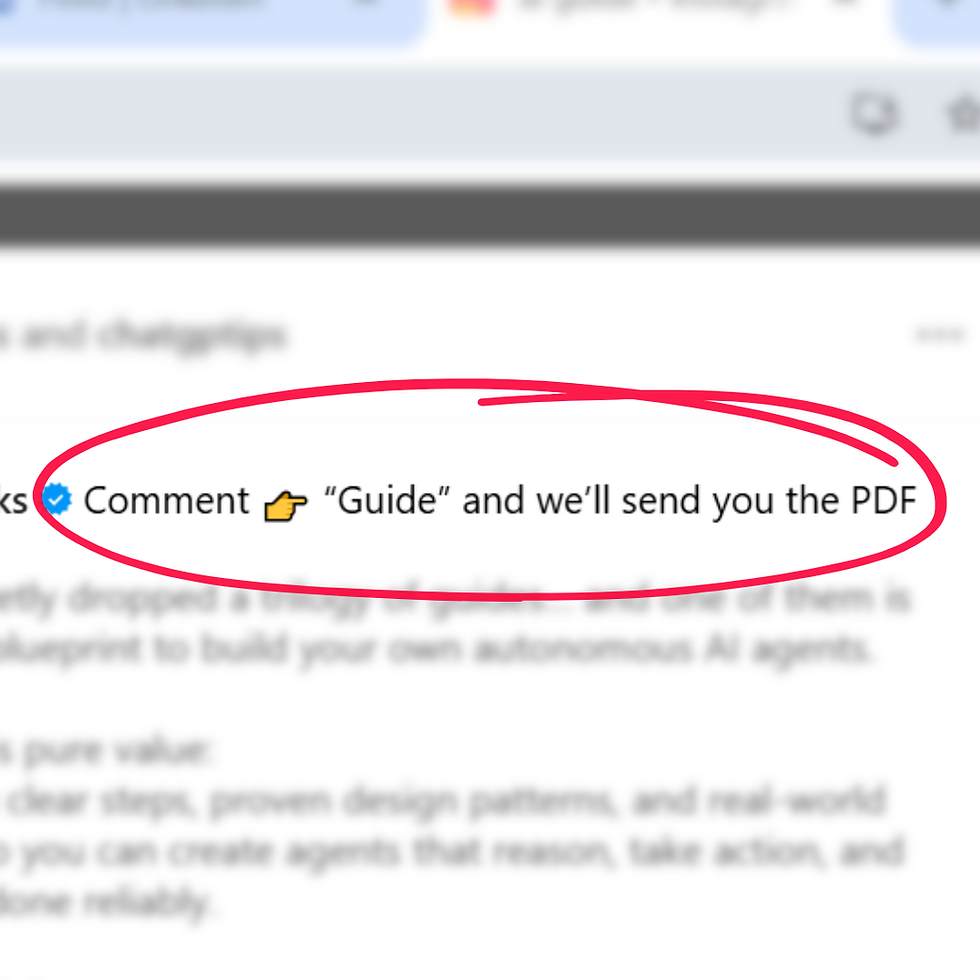
Social media isn’t just about likes and shares anymore. It’s about pipeline.
You’ve seen the tactic everywhere:
"Comment 'GUIDE' and I’ll DM you the free playbook."
But what most people don’t realize is this can (and should) be automated. Done right, this tactic can help you:
Capture qualified leads directly from posts
Deliver gated content instantly
Auto-segment and track leads in your CRM
In this guide, you’ll learn exactly how to build an automated Comment-to-DM system using tools like Phantombuster, Zapier, HubSpot, and Linked Helper.
Why Use the "Comment to DM" Funnel?
High Engagement: Posts that ask for comments get prioritized by algorithms
Zero Friction Lead Gen: No landing page, no forms, just engagement
Scalable: Automate the outreach and CRM tagging
This "Comment to DM" funnel strategy works great for:
Consultants and coaches
SaaS founders
Course creators
B2B marketers
Tools You Need
Here are the tools you’ll use to build your funnel:
Step-by-Step: How to Set Up a Comment to DM Funnel
Step 1: Post a CTA with a Comment Trigger
Create a social post with a clear call to action:
"Comment 'PLAYBOOK' and I’ll DM you my full outbound automation system."
Be specific about what they’ll receive and make it valuable.
Step 2: Scrape the Comments
Use Phantombuster or Scrupp to extract:
Names
Usernames
Profile links
Comments
Schedule this to run every few hours or daily.
Step 3: Send to Google Sheets or Webhook
Push the scraped data into a Google Sheet or into Zapier/Make using webhooks.
Step 4: Automate the DM
For LinkedIn: Use Linked Helper or Dripify to auto-send your message
For Twitter/X: Use TweetHunter + Hypefury to send personalized auto-DMs
Example message:
"Hey [First Name], saw your comment on my post. Here’s the playbook I mentioned: [Link]"
Step 5: Tag and Nurture in Your CRM
Use Zapier to create or update contacts in HubSpot, with a custom property like:
Source: "Comment_Driven_Outreach"
You can even drop them into a follow-up sequence.
Bonus Tips
Add lead scoring for high-engagement commenters
A/B test your CTA words (e.g., "GUIDE" vs "PLAYBOOK")
Add a 5-day email sequence after the DM
Set Slack alerts for VIP comments
Final Thoughts
The "Comment to DM" strategy is no longer just a viral content trick. It’s a scalable outbound system when automated properly.
If you’re building an audience and want to convert engagement into qualified leads—this is one of the fastest, lowest-friction methods available.
Need help building this for your business? Reach out to me and I will get it setup for under a day! logan@climbstartup.com
Comments